The Browser Bubble
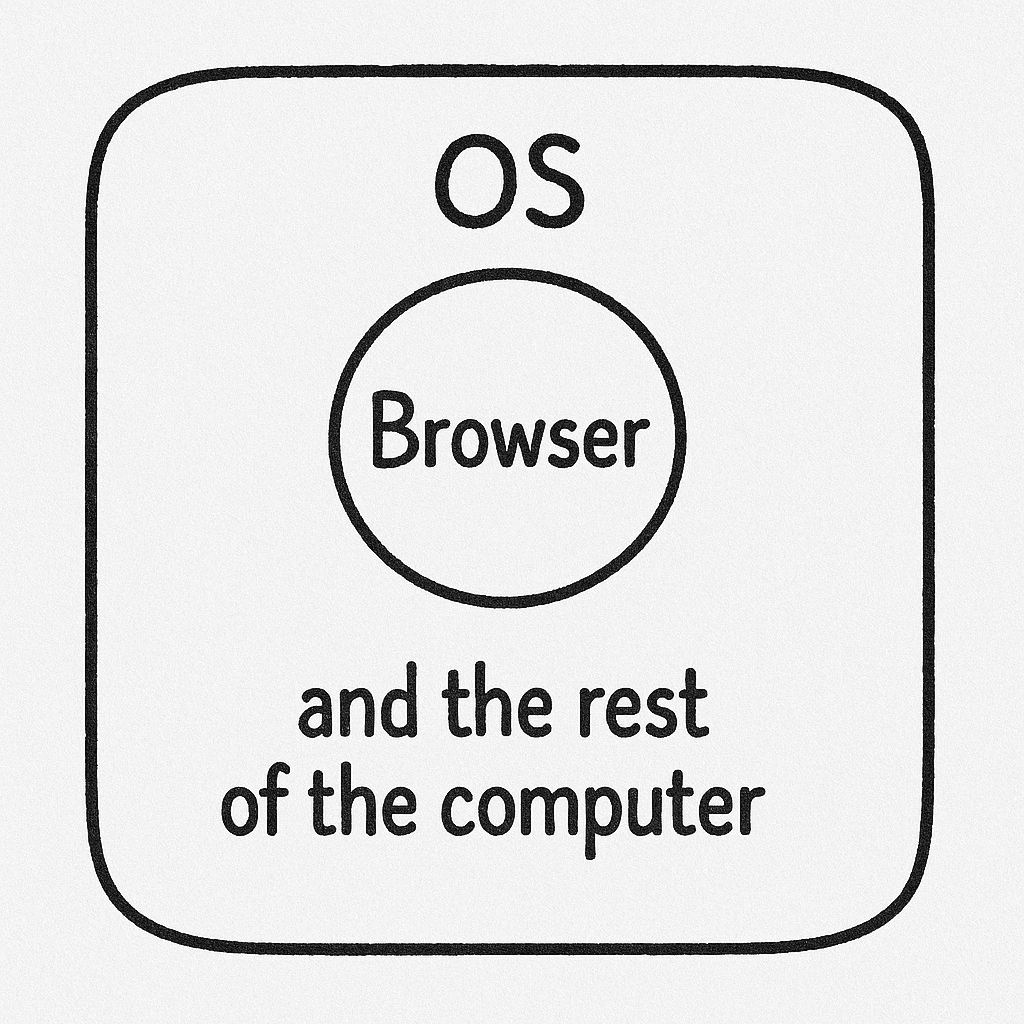
Most coding interviews happen right in your web browser (like on HackerRank, CoderPad, or CodeSignal). Browsers are designed like secure bubbles – what happens inside one tab generally can't see or mess with anything outside of it. This is called "sandboxing," and it's a core security feature.
Think of the interview website running in a browser tab. It can show you the coding problem and run its own scripts, but it's walled off from the rest of your computer. It simply doesn't have permission to peek at other apps you might be running.
What Interview Platforms Can See (Inside the Bubble)
Within their own tab, interview platforms can use browser features to monitor some things:
- Losing Focus / Switching Tabs: They know if you click outside the browser window or switch tabs. But they don't know what you switched to.
// They can detect this... window.addEventListener('blur', () => { console.log('User looked away from the tab!'); }); - Pasting Code: They can tell if you paste something into the code editor, potentially flagging large or frequent pastes.
// ...and they can detect this. codeInput.addEventListener('paste', (event) => { console.log('Paste detected!'); }); - Webcam Monitoring (Sometimes): Some platforms might use your webcam to monitor eye movement, flagging excessive looking away.
- Screen Sharing (If Requested):If you're asked to share your screen via Zoom, Meet, or the platform itself, they can see what you choose to share.
They might also try to guess based on typing speed, but it's often unreliable.
What They Cannot See (Outside the Bubble)
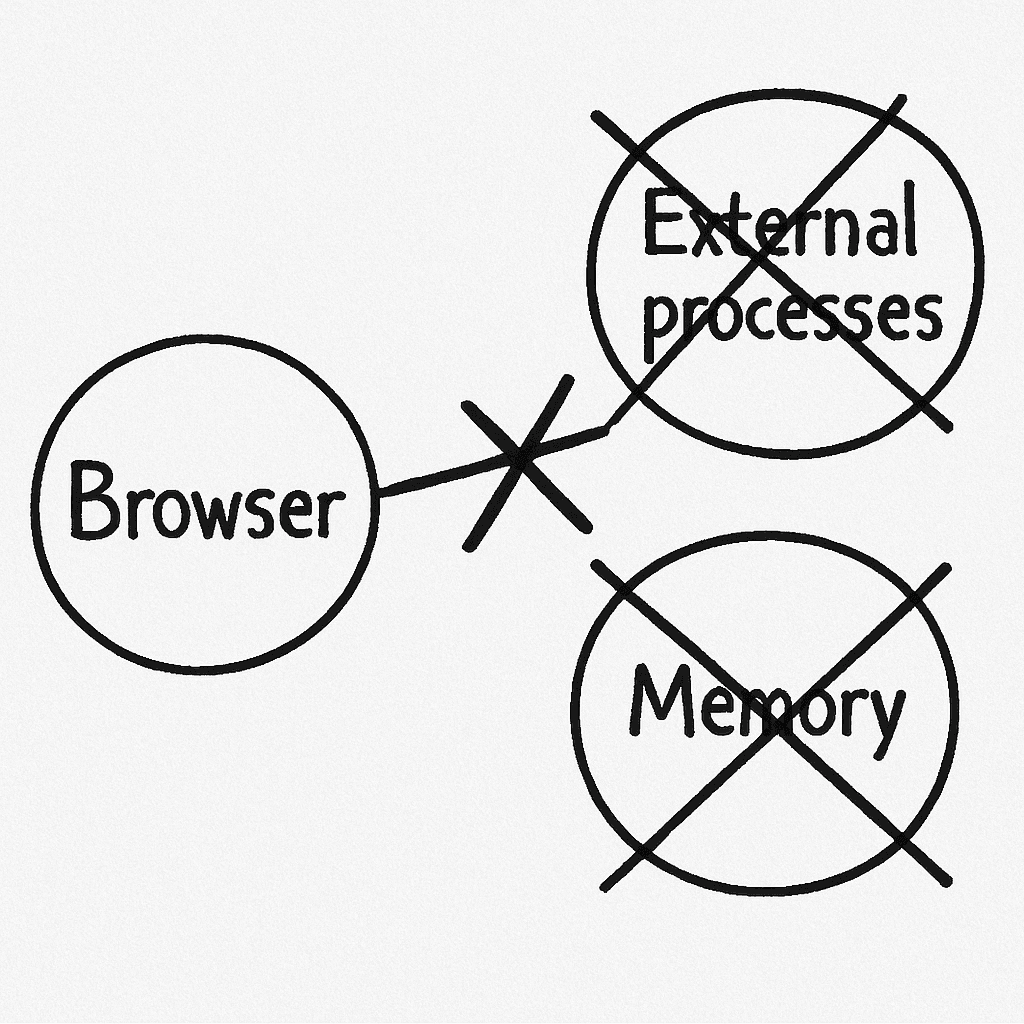
Crucially, because of the browser sandbox and how operating systems work, these platforms cannot reliably:
- Know What App You Switched To: When you lose focus (the
blurevent), the browser gives no information about which other application became active. - Scan Running Apps:There's no way for a website to get a list of other programs running on your computer. This is a fundamental OS security boundary.
// This CANNOT be done from a webpage! function getRunningApps() { // No browser API exists for this! return navigator.runningProcesses || []; } if (getRunningApps().includes('SomeApp.exe')) { // Impossible check } - Read Other App Memory: Accessing the memory of other applications is strictly forbidden by your operating system for security reasons.
- Track Your Every Click/Keystroke Globally: They can only see clicks and keys typed inside their own browser tab, not system-wide.
- See Invisible Native Apps During Screen Share:While screen sharing shows your desktop, applications designed to be hidden (like HackInterview) won't appear in the shared view or screenshots.
Why HackInterview is Different & How It Counters Detection
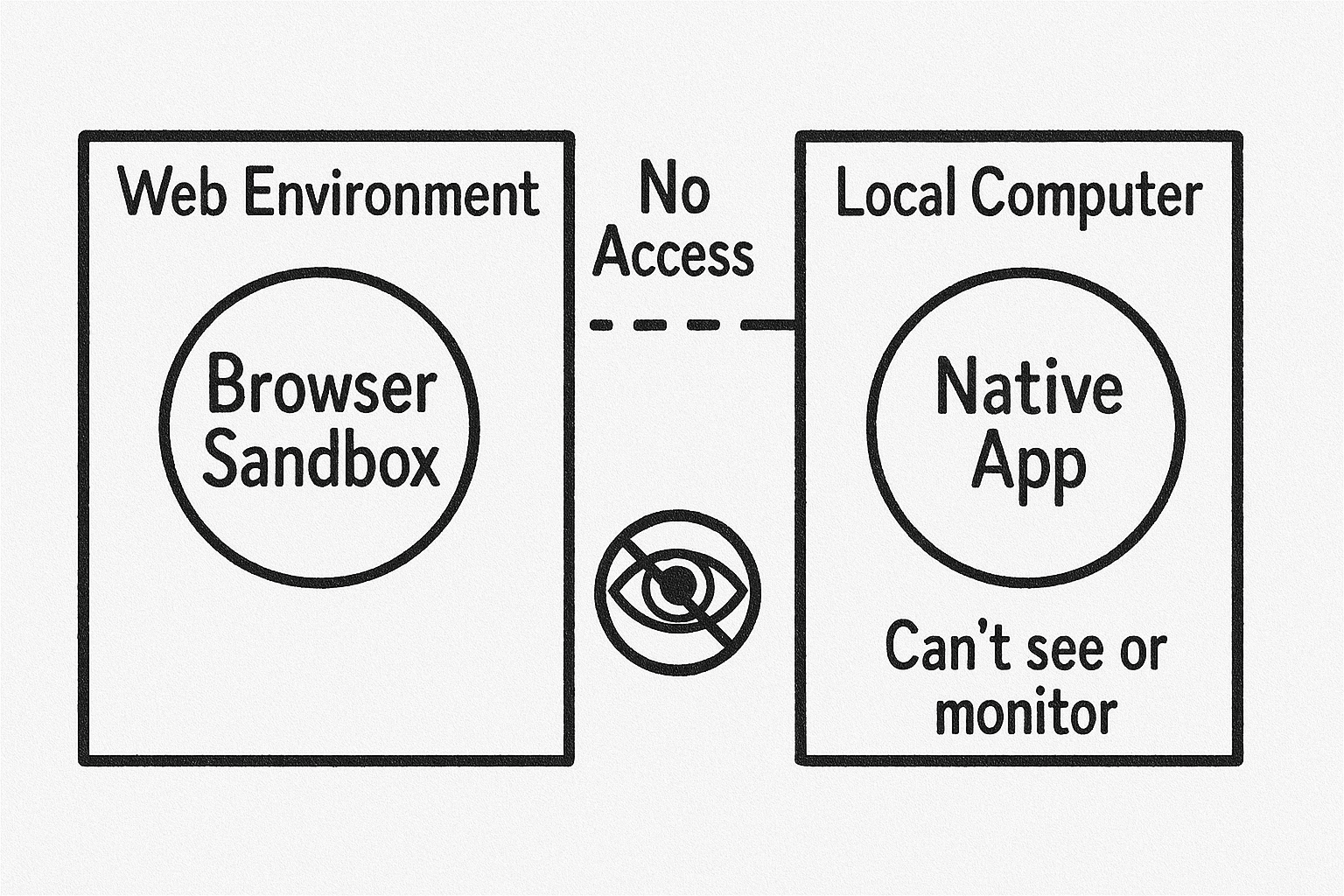
HackInterview isn't a browser extension; it's a separate native desktop app. This fundamental difference is key to avoiding detection:
- It Lives Outside the Bubble:The browser running the interview has no connection to HackInterview and simply cannot see it or interact with it. It doesn't need to read browser memory because it operates independently with its own data.
- Invisible to Screen Sharing: The app utilizes specific operating system APIs and window properties that designate its window to be excluded from screen captures, recordings, and screen sharing sessions (like Zoom, Meet). This is a standard OS feature used by various overlay or privacy-focused applications, not a browser hack.
- No Focus / Active Tab Change & Global Hotkeys:When you toggle HackInterview's visibility, it uses standard OS-level global hotkey registration. This is completely separate from the browser's event system. Your mouse cursor focus stays in the browser, and the active browser tab does not change, bypassing platform checks for these specific actions.
- Webcam / Eye Tracking Counter:You can use keyboard shortcuts to move the HackInterview window directly over the assessment's coding area. This allows you to view solutions while appearing to look directly at the screen where the code editor is.
- Reasoning Support: To help you explain your thought process (a common interview check), HackInterview provides not just code, but also line-by-line comments and high-level reasoning hints, making it easier to articulate the solution naturally.
- Uses Standard OS Features: Beyond the specific examples above, it generally works using normal, legitimate operating system functions, leaving no unusual footprint that typical browser-based monitoring could detect.
So, while platforms can detect simple events like pasting or clicking away from a tab, HackInterview is architected to sidestep these checks and remain invisible to the monitoring methods available within a browser sandbox or standard screen share.
What About Desktop Proctoring Apps?
You might wonder: couldn't they just make you install a separate desktop app to monitor everything? In theory, yes. But reputable platforms avoid this because:
- It's a huge security risk (potential spyware).
- It raises major privacy concerns.
- It would destroy user trust.
That's why almost all coding interviews stick to the safety of the browser sandbox.
The Bottom Line
Because coding interviews run in secure browser tabs, and HackInterview runs as a completely separate native application, standard detection methods simply can't see it. We designed it specifically with browser security limitations in mind.
Until the day that companies require you to download and install a separate desktop app, or migrate completely to in-person interviews, HackInterview will work.
Key Features
HackInterview is built from the ground up with undetectability, performance, and user experience as core priorities. Here's what makes it stand out:
- Undetectable by Design: Built as a native desktop app that leverages OS-level features to remain invisible during screen sharing and avoid detection by browser-based monitoring.
- Invisible to Task Manager:Runs in a way that it doesn't show up in system task managers or process lists, adding an extra layer of discretion.
- Audio Support: Audio support to help better guide you through any problem ranging from follow-ups to system design.
- Optimized Performance: Built for speed and responsiveness, allowing you to quickly access solutions without any lag.
- User-Friendly Interface: A sleek, modern UI that makes it easy to find and use the features you need during an interview.
How Audio Works
HackInterview includes audio support to help you better understand and articulate solutions during your coding interviews. Here's how it works:
- Instant Explanations: The app can provide explanations of code snippets and algorithms, helping you grasp concepts and answer quickly and precisely.
- System Design: Get instant walkthroughs of system design questions to help structure your thoughts and responses.
- Follow-Up Questions: Receive guidance on common follow-up questions to prepare you for deeper discussions during the interview.
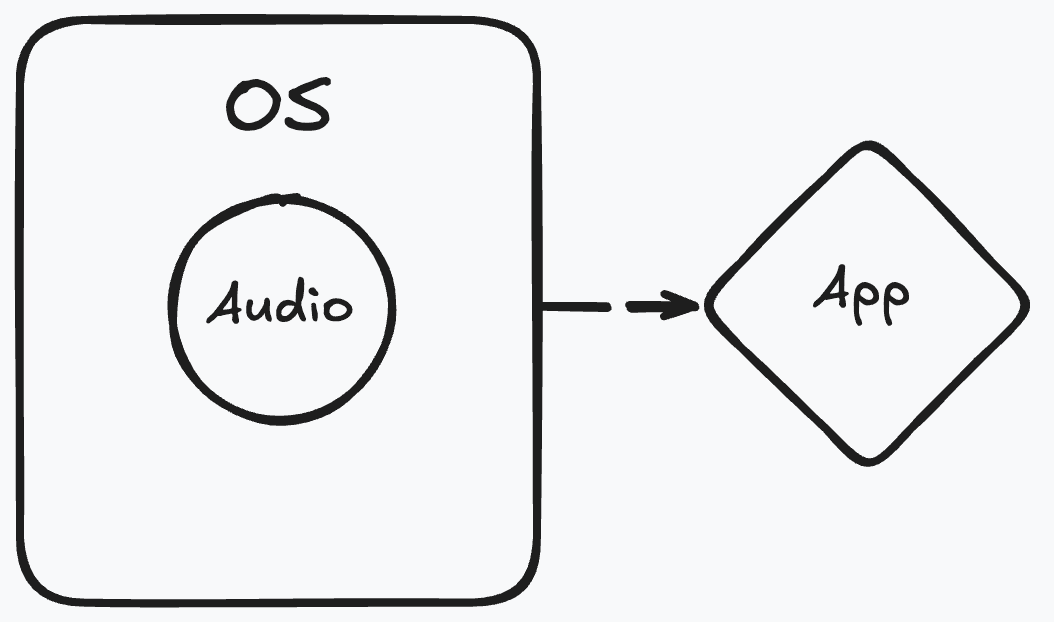
The audio feature is designed to complement the existing text-based solutions, providing a more holistic approach to interview preparation and execution. It works by taking your system audio and routing it through the app, allowing you to get explanations in real-time without needing to switch contexts.
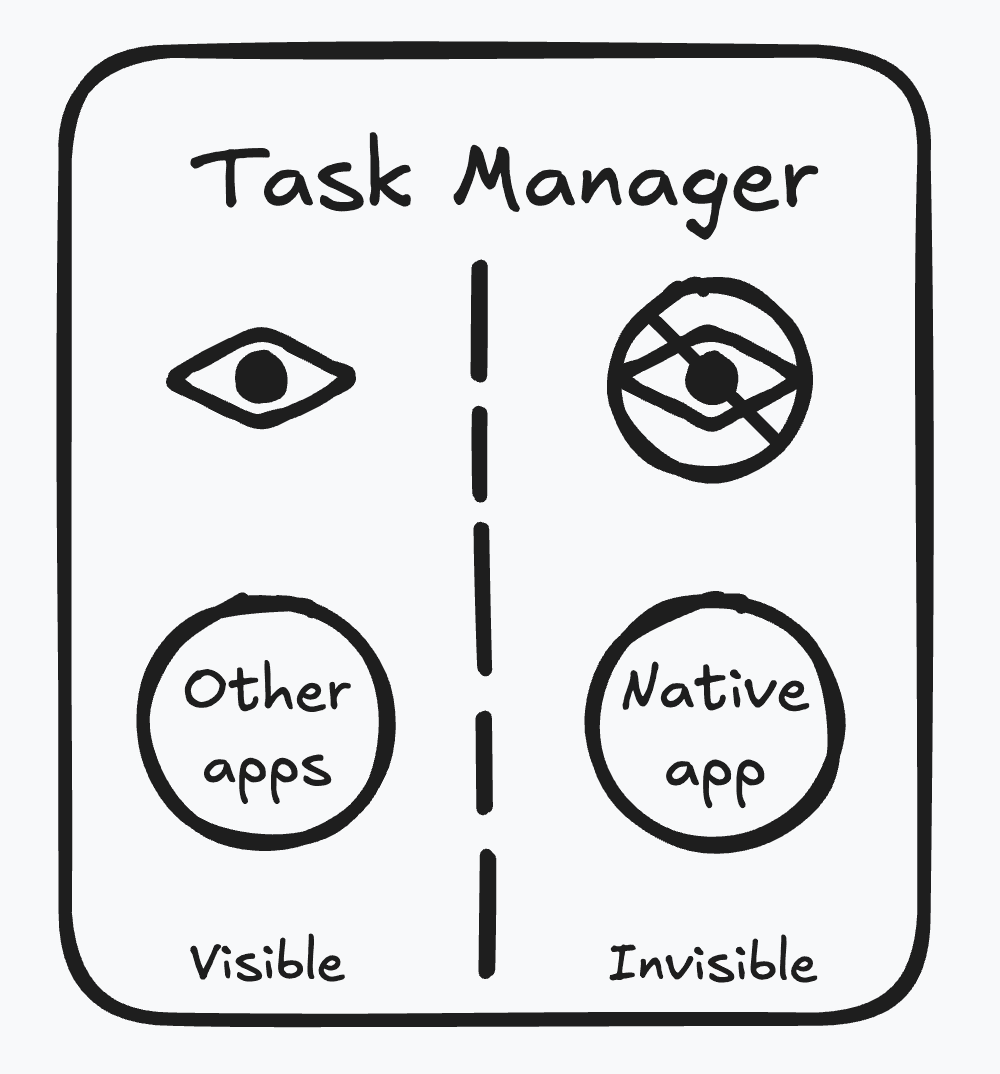
Invisible to Task Manager
HackInterview is designed to run in a way that it doesn't appear in your system's task manager or process list. This means that even if someone checks the running applications on your computer, they won't see HackInterview listed there.
This is achieved through advanced techniques that leverage operating system features to hide the application's presence and change its name. By not showing up in task managers, HackInterview adds an extra layer of discretion, ensuring that you can use it without worry about being detected.
Questions? We're happy to chat more about the tech!